The character builder runs deep across appearance and personality, but image, video, and some other paid actions use credits that add up on top of subscriptions.
“You will be billed in advance on a recurring and periodic basis (such as daily, weekly, monthly or annually), depending on the type of Subscription plan you select when purchasing the Subscription.”
“You can design and interact with fully customizable virtual companions by choosing their appearance, personality, and backstory, then engage through chat, roleplay, and AI-generated images and video.”
“Except when required by law, paid Subscription fees are non-refundable. Certain refund requests for Subscriptions may be considered by the Company on a case-by-case basis and granted at the sole discretion of Nectar AI.”
Nectar AI is an adult AI companion platform where you build or pick a companion, then chat, roleplay, and create images or video around that character.
Day to day, Nectar AI works like a character-based companion app with more than plain text chat at the center. You can start with a ready-made companion or create your own by setting appearance, personality, backstory, and speaking style, then interact through one-on-one chat and roleplay. The platform also includes built-in image and video generation, plus voice messages, live calls, and group chats with multiple companions in one conversation.
The thing that defines Nectar AI is how much of the experience stays tied to the same companion. Your character setup carries across chat, roleplay, and visual generation, so the app feels less like a general prompt box and more like a companion sandbox. Nectar also lets you switch between AI models and use Long Mode or Short Mode, which matters if you want either brisk back-and-forth or more drawn-out scenes.
It is best for adults who want a suggestive companion app with character building at the front of the experience, not as a side feature. If you mainly want to tweak a companion's look and personality, generate media around that character, and move between chat and roleplay in the same place, Nectar AI has the right shape. If you want a general-purpose assistant for work, study, or broad everyday tasks, this is not what the platform is built for.
Free access is available, and paid subscriptions sit alongside Credits for some actions, so using Nectar AI can involve both a plan and in-app currency depending on what you do. The service is run by Nectar AI, LLC in the US. It runs in a browser on desktop and mobile, so you do not need to install an app to use it.
Nectar AI Features
Nectar AI’s feature set is broad for a browser-based companion app: it covers chat, roleplay, visuals, voice, and multi-character conversations around the same companion setup.
The pieces fit together well because Nectar keeps character creation, conversation, and media tools in one flow instead of splitting them into separate products. You can start on the free plan with the character creator, AI chat, and limited image generations, then add broader access through a subscription if you want more than the starter setup.
Nectar AI Features
Feature
Notes
Custom companionsYes
You can build a companion from scratch with control over appearance, personality, backstory, and speaking style. Nectar also offers ready-made virtual companions, so you can start with a preset or make your own.
Chat and roleplayYes
Text chat and roleplay are core parts of the platform, and you can keep using the same companion across both. Nectar also lets you switch between available AI models for different conversation styles without starting over.
Response controlsYes
Conversation settings include response-length controls plus Long Mode and Short Mode. That gives you a way to push the app toward shorter replies or more drawn-out scenes depending on the tone you want.
Image generatorPartly
Nectar includes built-in image generation tied to your companion. The free plan includes a limited number of image generations, so visual use starts free but does not stay open-ended.
Video generatorPartly
Video generation is built into the platform instead of being a separate tool. Ultimate adds video generation, and video generation and extensions use credits.
Voice featuresPartly
Nectar supports voice messages and live voice calls with your companion. Ultimate adds voice chat, and voice messages beyond the included allowance plus voice calls use credits.
Group chatsYes
You can run group chats with multiple companions in one conversation. That makes Nectar more than a one-on-one chat setup when you want several characters in the same thread.
Plan-based creationPartly
Companion creation changes by plan. Free and Premium allow one companion, while Pro and higher plans support unlimited companion creation.
Some paid actions sit outside the subscription itself because Nectar uses credits for premium actions. That matters most if you expect voice calls, video generation, certain AI models, paid Memory options, or extra voice messages to be fully covered by your plan, since those can still draw from your credit balance.
Nectar AI Pricing: Free vs Paid Plans
Nectar AI gives you a real free entry point, then adds subscriptions and Credits on top, and Credits pay for many premium actions beyond the subscription itself.
Free
Price: Free
Companions
1 companion
Personas
Not published
Memory
Not published
Voice features
Not published
Video generation
Not published
Premium
Price: Not published
Billing
Monthly subscription
Companions
1 companion
Personas
1 persona
Memory
Extended memory options
Pro
Price: Not published
Billing
Monthly subscription
Companions
Unlimited companion creation
Personas
3 personas
Memory
16K context window
Ultimate
Price: Not published
Billing
Monthly subscription
Companions
Unlimited companion creation
Personas
10 personas
Memory
64K context window
Voice features
Voice chat
Video generation
Video generation
Nectar AI Pricing: Free vs Paid Plans
Free
Premium
Pro
Ultimate
Price
Free
Not published
Not published
Not published
Billing
Free
Monthly subscription
Monthly subscription
Monthly subscription
Companions
1 companion
1 companion
Unlimited companion creation
Unlimited companion creation
Personas
Not published
1 persona
3 personas
10 personas
Memory
Not published
Extended memory options
16K context window
64K context window
Voice features
Not published
Not published
Not published
Voice chat
Video generation
Not published
Not published
Not published
Video generation
The main thing to understand before paying is that Nectar uses two layers of spending. A subscription changes what your account can access, but Credits are still the balance used for paid actions. In our testing, many paid actions used Credits beyond the subscription itself, so the monthly plan is only part of the total cost if you use premium roleplay, media, or voice tools often.
The free plan is straightforward. Nectar says it includes the character creator, AI chat, and a limited number of image generations, and the help pages also show Free allows one companion. That makes it usable for trying the core loop before you spend anything, rather than a locked preview.
Credits are used for advanced roleplay.
Credits are used for image and video generation.
Credits are used for certain AI models.
Credits are used for paid Memory options.
Credits are used for voice messages beyond the included allowance and for voice calls.
Message Packs are sold as a la carte purchases to increase the messaging limit.
Nectar's pages do not publish the subscription prices in the facts we verified here, so we cannot add plan-by-plan amounts. They do publish the billing structure in a few places, and those pages do not fully match: the About page says Nectar subscriptions are monthly subscriptions, while the terms say subscriptions can be billed daily, weekly, monthly, or annually depending on the plan selected. The terms also say subscriptions renew automatically unless you cancel, upgrades take effect immediately, and any fee change takes effect at the end of the current subscription period after prior notice.
Refunds are narrow. Paid subscription fees are non-refundable except when required by law, though Nectar may consider some refund requests case by case, and the terms add that Apple may refund the app purchase price if the app fails to conform to an applicable warranty. After you cancel, premium features stay active until the end of the current billing cycle, and then the account drops back to the free plan.
Nectar AI Signup & Log in Process Reviewed
Nectar AI’s signup is fairly light for basic access, then adds an age check before adult mode opens.
Step 1
Create your account
You start by registering with your email address, then creating a user name and password. An email address is all the privacy policy asks you to submit before the service is activated.
Step 2
Open the builder
After signup, Nectar takes you into character creation. The setup walks through appearance, body type, ethnicity, outfit, personality traits, and backstory before you start chatting.
Step 3
Use account-based features
Nectar’s terms say some features require an account. That matters because the service ties your profile to companion setup and the parts of the app that go beyond a casual look around.
Step 4
Verify for adult mode
NSFW mode is only available to verified users aged 18 and over. Nectar’s privacy policy also says users who enable NSFW content affirm that they are 18.
Step 5
Manage changes in settings
If you need to update account details or subscription settings later, Nectar routes that through the profile settings area. Support is also available by email for account and billing questions.
For most people, email signup is the simplest path because Nectar’s own account flow is built around an email address, user name, and password. It also keeps your login tied to the same profile that holds your companion setup and chat history.
The age check matters for privacy because Nectar connects adult access to verified 18+ status, not just a casual toggle. Its privacy policy says the service is not directed to anyone under 13, and the FAQ makes clear that adult mode stays behind that extra gate.
Nectar AI Pros and Cons in Detail
Nectar AI’s strengths are its deep character setup and wide media toolkit, while its main tradeoff is that several headline features still lean on Credits after you subscribe.
Pros
Deep character builder
You can shape a companion's appearance, personality, backstory, and speaking style, so each character starts from your own brief.
Free plan has substance
Free access includes the character creator, AI chat, and limited image generations, so you can try the core companion flow before moving to a paid plan.
Strong media range
Nectar combines chat with built-in image and video generation, which keeps conversation and visual creation tied to the same companion.
Useful visual controls
Generated visuals come with controls for poses, outfits, lighting, settings, and effects.
Voice and group chat support
Nectar supports voice messages, live voice calls, and group chats with multiple companions in one conversation.
Flexible conversation tuning
You can switch between AI models, adjust response length, and pick Long Mode or Short Mode for chats and roleplay.
Cons
Credits stack on top
Several paid actions draw on Credits on top of the subscription, from media generation to voice calls.
Subscription prices not published
Nectar does not publish its subscription prices, so you cannot compare plan costs before you sign up.
Memory perks can disappear
Premium memory features become unavailable when a subscription ends, and stored chat history from premium tiers may become inaccessible.
Low-tier companion limits
Free and Premium allow one companion, so building separate characters needs a higher plan.
No native app download
Nectar runs in your browser on desktop and mobile, so there is no dedicated app to install.
Is Nectar AI Safe and Legit? Privacy and Data Security
Yes. Nectar AI looks like a real operating service with public terms, a named operator, and clear privacy language around chats and generated content, but its policies still leave some practical gaps that matter for adult conversations.
The company trail is visible enough to clear the basic legitimacy check. The privacy policy names the operator as Nectar AI, LLC, and the footer also gives a Dover, Delaware address plus a London address through Lick Labs Ltd. Its terms and privacy policy are public, which at least gives you something concrete to judge before you trust it with personal chats.
On privacy, conversations and generated content are private and not visible to other users. Nectar also says your interactions are not shared with third parties and are not used to train external AI models. That is the right direction for a companion service, but the policy language stops short of the technical detail some readers will want, such as a named encryption standard or a retention timetable for chat data.
The privacy policy also covers broader account use: personal information is used to contact users, answer questions, provide technical support, solicit feedback, and send promotional offers. That is fairly standard, but it means privacy here is not the same thing as total data minimalism, even though the policy rules out selling, trading, renting, or otherwise sharing personal information for marketing without consent.
For content safety, Nectar sets hard rules rather than vague community language. The platform allows adult use, but it still blocks a fixed set of topics, from minors to recognizable real people.
Content involving minors
Incest
Bestiality
Prostitution
Hate speech
Recognizable real people
Named copyrighted characters
Nectar AI Alternatives
These Nectar AI alternatives offer a different mix of chat, media, memory, or device access.
Joi AI
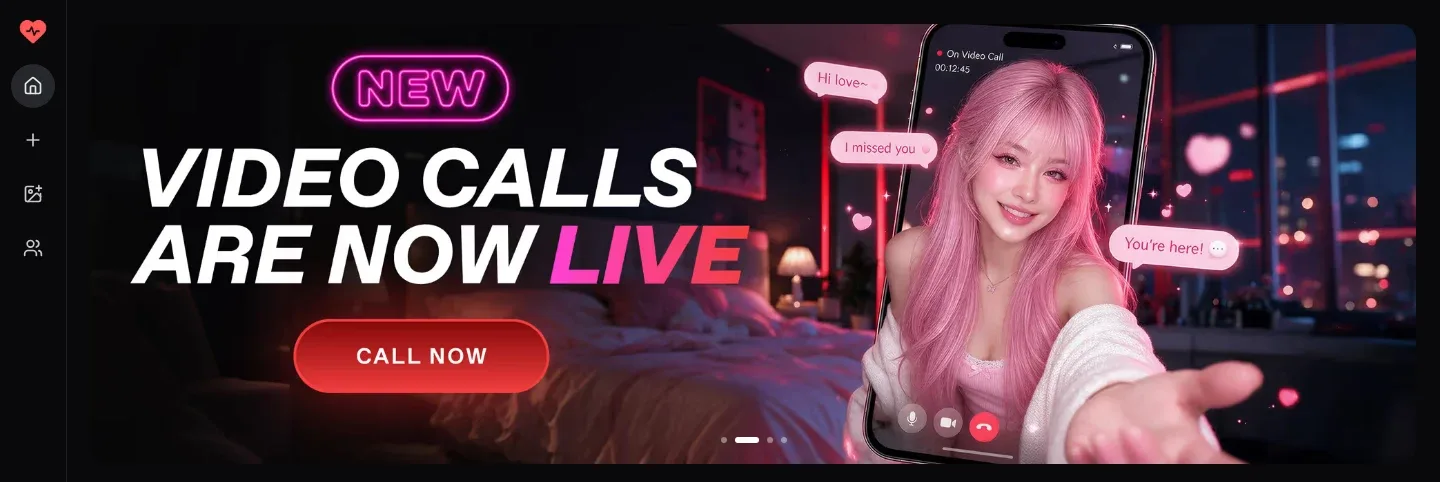
Best for chat-led media. Our team suggests Joi AI as a second app to try if you like Nectar AI’s mix of chat and media. Like Nectar AI, it offers ready-made characters, group chats with several companions, and images and videos inside the conversation.
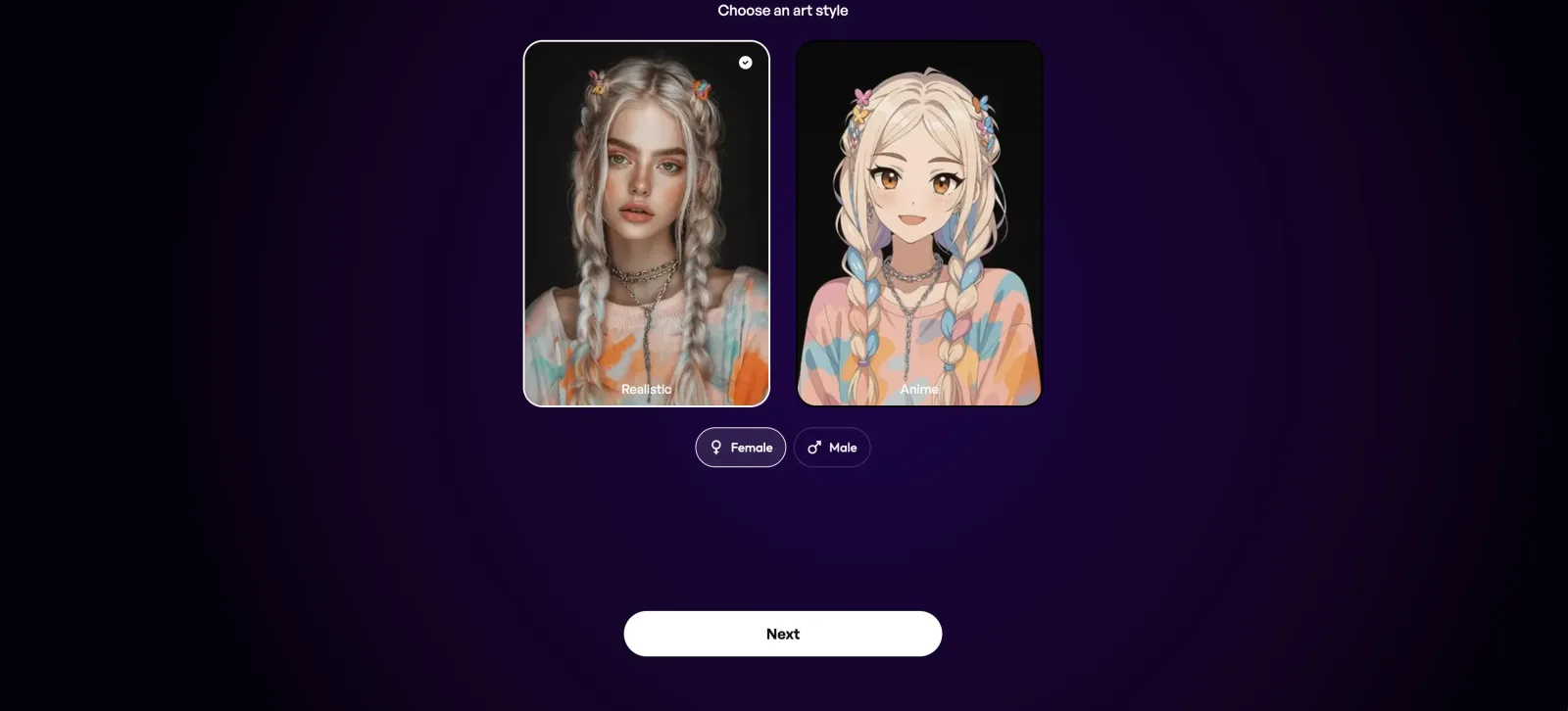
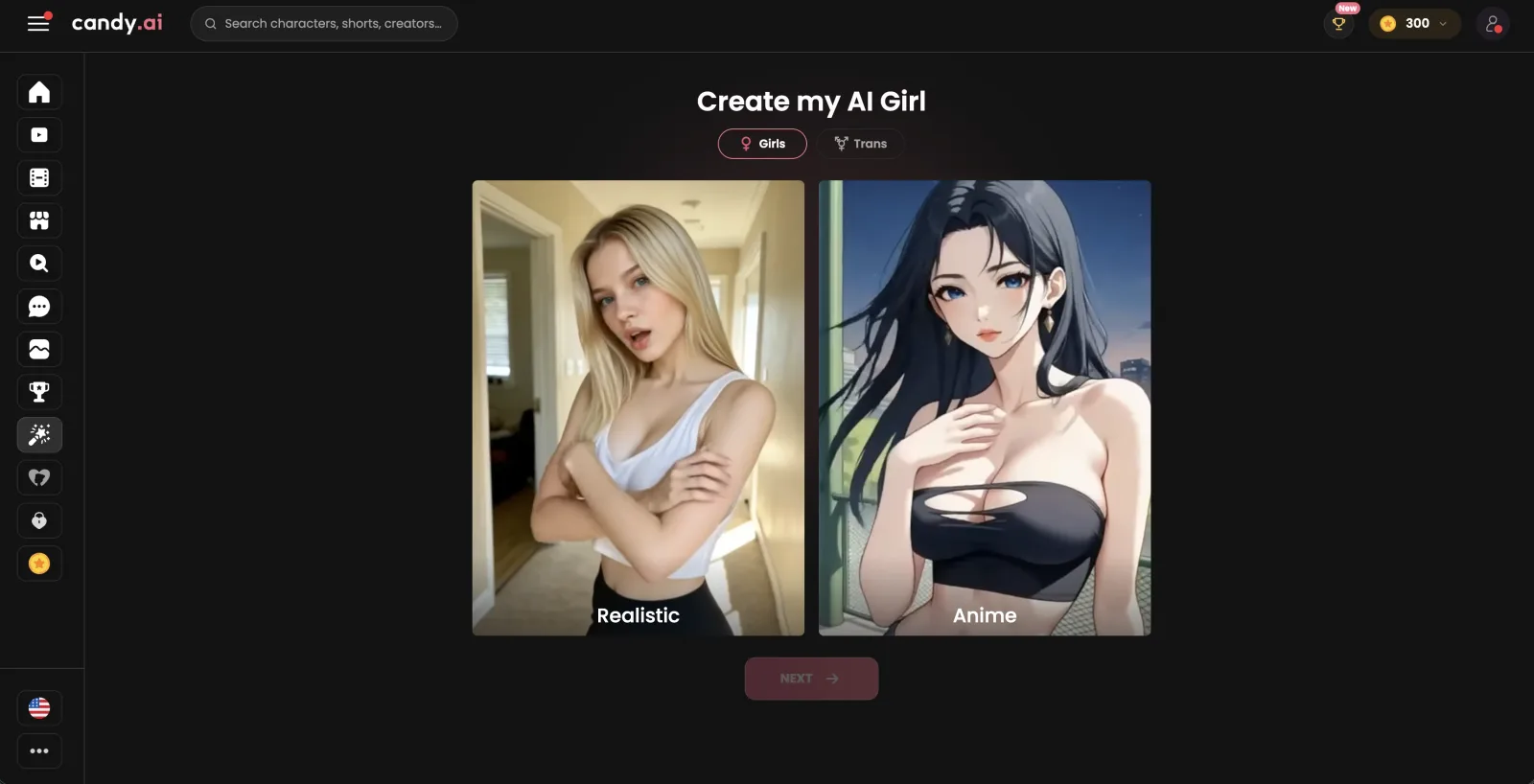
Best for custom companion. Candy AI is our pick for a second custom-companion app to compare against Nectar AI. It also offers voice notes, personalized images, AI videos, and memory. Candy AI keeps image generation and its character creator on a paid plan, whereas a free Nectar AI account can already build a companion and create a few images.
Best for roleplay with group chats. We recommend OurDream AI as another roleplay app to try. OurDream AI's voice calls, group chats and memory of past chats match what Nectar AI offers. OurDream AI keeps image generation on a paid plan instead of giving free accounts a few images.
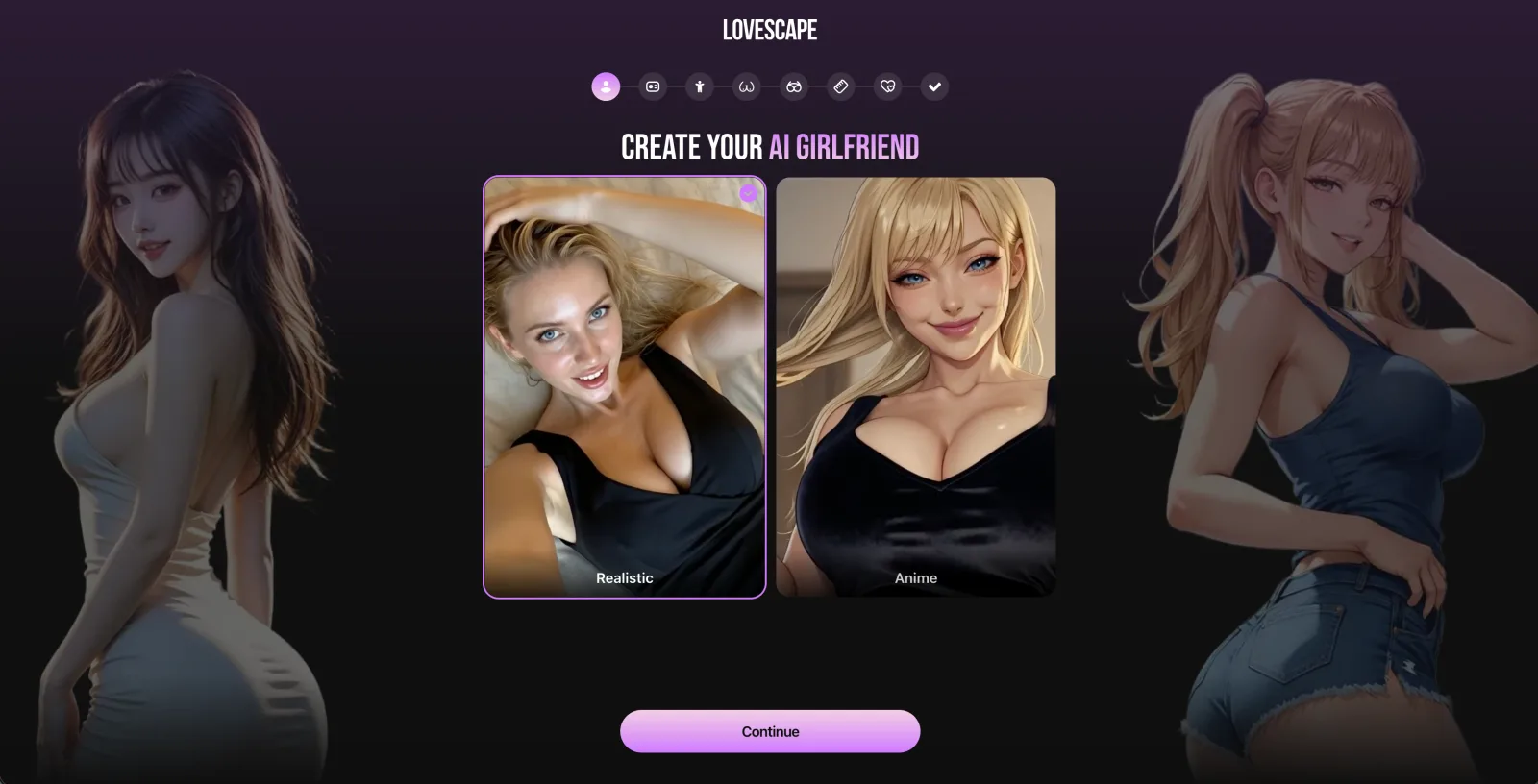
Best for Android and iOS apps. Our team recommends Lovescape, the other app in our Nectar AI vs Lovescape breakdown, to readers who want an app to install, since it is available on Android, iOS, and desktop, while Nectar AI runs only in the browser. Like Nectar AI, it connects private character chat, images, and video, and a free account lets you create characters and try some generation before paying.
Stay with Nectar AI if you want to build a companion in detail and use that same character across chat, roleplay, images, voice, video, and group conversations. It also gives you a free starting point before you decide how much of the paid side you need.
How We Tested Nectar AI
We tested Nectar AI hands-on across every plan from Free up to Ultimate, combining paid use with billing, policy, and user-report checks.
We test every app we review for two to three months and spend between $500 and $3,000 on each one in subscriptions, plan upgrades, and token packs. For Nectar AI, that meant the browser version on desktop and mobile, with every upgrade paid for by our team.
Beyond daily use, we checked the paywall and subscription flow against the terms, read the privacy and safety pages, and looked at outside user reports to see which questions kept coming up. Our verdicts on memory, costs, and roleplay quality sit in the sections on those topics.
01We moved through the paid tiers in the desktop and mobile browser versions.
02We bought upgrades and extra packs ourselves to reach the paid parts of the service.
03We used companion chat and roleplay, the character builder, AI images and video, pose and outfit controls, the AI models with Long Mode and Short Mode, voice messages and calls, and group chats.
04We compared the recurring-billing terms with what the service charged during use.
05We matched the privacy, safety, and account terms against how the product behaved.
06We weighed outside user reports against our own hands-on use.
What Real Users Say About Nectar AI
Reddit posts and a long Medium writeup describe Nectar AI as strong on customization and roleplay, with more mixed reactions on restrictions, memory consistency, and loading speed.
On Reddit, praise clusters around character customization and roleplay freedom, with posters describing chats that go deep without getting filtered. The sharpest criticism comes from a returning user who says new restrictions made the app more frustrating than before.
A Medium writeup is more measured. Its author liked the general experience but called out slower visual loading at busy times, some memory misses, and a better feel on desktop than on phone.
“I’ve been using Nectar AI for a while now and it’s honestly one of the few chatbots I’ve found that lets you fully customize characters, go deep into roleplay, and talk about whatever you want without it getting flagged or filtered.”(Reddit r/Chatbots)
“Used to be interesting an easy place to spend a few hours. Was away for a month and now There are so many restrictions that it’s more Frustrating than anything else. I won’t come back until something changes just not worth it time or money.”(Reddit r/CharacterAIrevolution)
“During peak hours, visuals can take a little while to load. It’s not terrible, but it does pull you out of the moment sometimes.”(Medium)
“The AI remembers the important things — your name, major preferences, relationship style — but forgets smaller callbacks now and then. It’s improving, but there’s room to grow.”(Medium)
Nectar AI Memory Review
Nectar AI’s memory is persistent across conversations, with manual memory controls on paid tiers and larger context windows as you move up the plans.
Companions retain context from previous sessions, including storylines, preferences, and shared details. Paid memory tools let you mark up to 10 memories as important, and custom memories can be written as single facts of up to 200 characters each, which gives you a direct way to anchor key details.
In our testing, premium memory features ending after a subscription lapses mattered as much as the memory itself. Chat history stored from premium tiers may become inaccessible once the plan ends, so memory here is tied partly to plan status rather than being a permanent archive.
Depth also scales by plan: an 8K context window on Premium, 16K on Pro, and 64K on Ultimate. Older exchanges may still fade over time, so recurring character details are safer to rely on than old chat history unless you save the facts that matter.
Nectar AI Characters Feedback
Nectar AI’s character side is one of its strongest areas, with deep customization across appearance and personality for shaping a companion with a specific tone.
You can start from a ready-made companion or build your own from scratch. The builder covers appearance, body type, ethnicity, outfit, personality traits, and backstory, and it also lets you write a fully custom backstory and define a speaking style. That matters because the character setup is not just cosmetic here. It directly feeds into chat, roleplay, and visual generation, so the same persona carries through more of the product than in a basic avatar picker.
Nectar also gives you room to tune how that companion behaves after creation. You can switch between available AI models, adjust response length in Generation Settings, and use Long Mode or Short Mode depending on the kind of conversation you want. A clear backstory and speaking style give the model more to work from in roleplay.
The main limit is account structure, not builder depth. The two lower tiers cap you at a single companion, and unlimited creation starts on Pro. Refining one character works fine on any plan, while keeping several variations around fits the higher tiers much better.
Nectar AI Use Cases Tested
Nectar AI covers the main companion use cases well, especially if you want text, visuals, and voice tied to the same character, and our team used each mode on the paid plans.
The split that matters most is between what Nectar allows for adult companions and which actions draw from subscriptions or Credits. The character, chat, and media flows show both in practice.
Nectar AI For NSFW Generation
Yes, Nectar AI supports explicit content, and access is limited to users aged 18 and over. Explicit mode opens only after age verification, and switching from SFW to NSFW removes the filters on mature content.
What matters here is that Nectar treats adult chat and media as part of the platform rather than a side mode. You can chat, roleplay, and generate images and video with customizable companions, and users who enable NSFW content affirm that they are 18. A hard rule against companions based on recognizable real individuals keeps adult use inside fictional character creation.
The cost side is not one single unlock. Credits pay for paid actions including advanced roleplay, image and video generation, and some voice features, so adult use can span both your plan and extra Credits depending on what you do.
The switch between modes is yours to make. If you want a companion for flirty but tame chats, SFW mode keeps explicit material out of the conversation, and you can turn NSFW on once you are verified and want the filters gone.
Nectar AI For Voice Generation
Nectar supports both voice messages and live voice calls. You can listen to replies or talk with your companion directly, and Ultimate includes voice chat.
The voice feature set is broader than a simple playback button. Voice messages beyond the included allowance use Credits, and voice calls are also one of the paid actions tied to Credits. Voice is part of the main chat flow, but it is not a flat all-you-can-use extra just because you subscribe.
If voice is your main reason to pay, budget for it separately. Voice messages draw on Credits once the included allowance runs out, and live calls draw on your Credit balance too.
Readers who mostly type can treat voice as an occasional extra on top of text chat. Heavy voice users should look at Ultimate first, since that is the plan that adds voice chat to the subscription.
Nectar AI For Image Generation
Nectar is very strong for image generation if you want direct control over how the companion is presented. You can create high-resolution visuals while controlling poses, outfits, lighting, settings, and effects without leaving the platform.
That matters because the image tool is tied closely to the same character builder used for chat and roleplay, with granular control over appearance, personality, backstory, and speaking style. In our testing, the companion customization felt deep across appearance and personality, which helped the image side feel connected to the character you had already built.
Image generation is not all handled the same way. The free plan includes limited image generations, while Enhance, some image variants, and further generations draw on Credits.
For roleplay readers, the practical gain is continuity between words and pictures. A scene you build in chat can turn into a matching image of the same companion, with the outfit or setting you just described, instead of a generic portrait.
Nectar AI For Video Generation
Yes, Nectar includes built-in video generation next to its image generator. Ultimate is the plan that adds it to a subscription.
Readers sometimes blur generated clips and live communication into one feature set. Nectar offers voice messages and live voice calls, but we know of no video calls. Here, video means generated media tied to your companion, not a live camera-style session.
Generated video can also extend beyond the base clip. Video extensions cost Credits too, so video sits inside Nectar’s broader media system rather than as a separate standalone tool. If video is one of your main reasons to subscribe, read the plan notes and Credit rules together before you start.
Video works best as a finishing step rather than the core of a session. Most readers will chat and generate stills first, then turn the scenes they like most into clips, which keeps Credit spend on video under control.
Nectar AI For Roleplay
Nectar handles roleplay well, and this is one of the use cases where the character tools clearly matter. You can engage through chat and roleplay with customizable companions, explore fantasies, and create a custom character for the scene.
The setup gives you a lot to tune before the conversation even starts. You choose appearance, personality, and backstory, then define a speaking style, switch between available AI models, and enable Long Mode or Short Mode depending on the conversation style you want. Response length in Generation Settings gives you another way to shape pacing.
Roleplay suits readers who like to steer tone through setup. The mix of backstory, speaking style, and response-length controls lets you change a scene without rebuilding the companion from scratch.
Scenes do not have to stay one-on-one either. Nectar runs group chats with several companions in one conversation, which opens up ensemble storylines, and most characters are ready to chat within minutes of creation, so a new scenario does not need a long setup.
Nectar AI For Fetish Requests
Nectar allows adult fantasy roleplay, but it also draws some hard lines. NSFW mode allows mature adult content, including explicit roleplay and sexual themes, which gives adult users room for consensual fictional scenarios between adults.
The limits are much more concrete than a vague content warning. All NSFW interactions must involve consenting adults only, and the rules include zero tolerance for content involving minors, including fictional or AI-generated material. Requests involving real people and named copyrighted characters are barred too, so not every fantasy prompt that names a person or franchise character will be allowed.
This is one area where the rule set matters more than feature breadth. Nectar does permit adult fantasy content, but it pairs that with firm policy boundaries and content screening, so the usable space is adult fictional roleplay inside those lines.
Is Nectar AI Worth the Money?
Yes, Nectar AI can be worth paying for, but mainly for readers who will actually use its companion builder, media tools, and higher-end chat options together rather than treating it like a simple text chatbot.
The free plan is enough to tell you whether Nectar’s style works for you. Paid use makes more sense once you want a companion that carries more of your setup across modes instead of staying in basic chat.
The catch is that subscriptions are not the whole cost story. Many paid actions use Credits beyond the plan itself, so Nectar suits readers who like choosing when to spend extra on specific features more than readers who want one subscription to cover everything.
What helps Nectar justify itself is the breadth around the same companion. We found the companion customization deep across appearance and personality, which gives the paid tiers a stronger point than a generic upgrade path. If sustained roleplay and character-driven chat are your main interest, the step up is worth it; for low-cost chatting with no extra spending decisions, the value case is much weaker.
You use Nectar AI by creating an account, building a companion, and then chatting, roleplaying, or generating media around that character. After sign-up, the character creation tool walks you through appearance, body type, ethnicity, outfit, personality traits, and backstory, and you can also define a speaking style. Most companions are ready for a first conversation within minutes, and you can adjust the AI model, response length, and Long or Short Mode later.
Does Nectar AI work in languages other than English?
Yes. Nectar currently supports English, German, Spanish, and French, so readers who chat in one of those four can use the app in their own language.
Does Nectar AI have a daily message limit?
Nectar AI names no fixed daily message cap. Free accounts get chat and a capped number of image generations, and Message Packs are sold separately to raise the messaging limit.
Is Nectar AI good for people dealing with loneliness?
Nectar AI can offer company and conversation, so some adults may find it comforting for casual companionship. It is still not a replacement for real relationships or professional mental-health support. The service is 18+ only and applies separate SFW and NSFW rules, with NSFW access limited to verified adults.
How do payments and credits work in Nectar AI?
Nectar uses recurring subscriptions plus Credits for paid actions. Subscriptions are billed in advance and renew automatically unless you cancel, and upgrades take effect immediately. Credits cover premium extras on top of the plan, from media creation and stronger models to paid Memory options and voice beyond the allowance. Site payments go through NMI, and Nectar says it does not store sensitive financial details. In our testing, that mattered because many paid actions still used Credits beyond the subscription itself.
Is there a Nectar AI app?
No native app download is required. Nectar runs in your browser on desktop and mobile, so you can use it without installing a separate iPhone or Android app. On a phone, you simply open Nectar in the mobile browser and pick up where you left off.
Is Nectar AI uncensored?
Nectar AI is not fully uncensored. It offers an SFW mode that filters explicit content for general-audience interactions, and explicit mode opens only for age-verified adults. It also bans content involving minors, incest, bestiality, prostitution, hate speech, recognizable real people, and named copyrighted characters. Within those limits, NSFW mode allows explicit roleplay and sexual themes between consenting adults.


 Joi AI
 Candy AI
 OurDream AI
 Lovescape