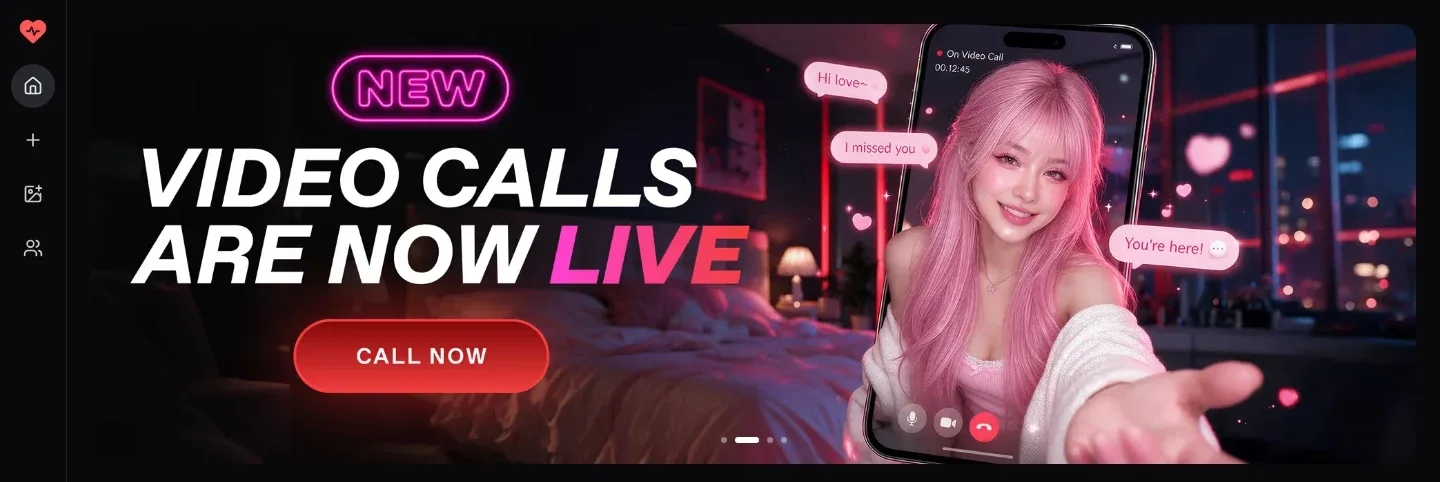
You can send Kindroid characters voice messages in one-to-one chats and in groups, and each voice or video call uses audio credits, so long calls add to what you pay.
“Refunds are considered on a case-by-case basis. While we generally do not offer refunds and all sales are final, we reserve the right to issue refunds at our discretion.”
Kindroid is an AI companion app where you create your own characters, called Kindroids, and talk with them by text, voice messages and calls on the web, iOS and Android.
Day to day, Kindroid works like a messaging app with a friend you designed yourself. You build a Kindroid from scratch, give it a name, a look and a backstory, then chat with it one-on-one or bring several of your Kindroids into a group chat. The idea behind the product is an AI friend who listens, remembers and grows with you over time, so most of what you do happens inside one long, ongoing conversation.
Text is only the starting point. A Kindroid can answer your voice message with a voice message of its own, pick up voice and video calls, and send selfies, group selfies and short video selfies. On the money side, Kindroid runs on a Standard subscription with Ultra and MAX as add-on tiers on top, and it uses an in-app currency called audio credits next to the subscription itself.
Kindroid fits adults who want a companion they shape themselves rather than a stranger from a catalogue. You decide the personality, the history the two of you share and how the character speaks, and you can keep several companions for different moods or roles, from a roleplay partner to a study buddy or a fitness coach. It is not a fit for anyone under 18, and it is not a crisis line: Kindroid says plainly that it is not an emergency or mental health service.
Calling is what sets the tone of the whole app. Next to the chat window you can start a voice call, a video call or a Live Avatar Video Call, and on mobile a call can keep running while the app sits in the background. If you mostly want a companion you can talk to out loud, that is the part of Kindroid to judge it on.
Kindroid Features
Kindroid's features centre on talking to a character you built, by text, by voice and on camera, with a few extras around sharing and pictures.
The pieces fit together in layers. Text chat with your own Kindroids is the base, the Standard subscription or the trial opens up calls, group chats, more selfies and custom voices, and Ultra and MAX sit on top as add-ons. Audio credits are the second meter running alongside: a call only starts while some remain, and selfie credits do the same job for pictures.
Kindroid Features
Feature
Notes
Voice messagesYes
You can record voice messages in both single and group chats. In a one-on-one chat your Kindroid replies automatically with a recorded message in its own voice.
Voice and video callsPartly
Calls start from the chat with the same Kindroid you text. They need an active subscription or the free trial before the call button works.
Background callingPartly
On the mobile apps a call keeps going while Kindroid sits in the background. This works for audio-to-audio calls only and not for video calling.
Live Avatar Video CallsPartly
Your Kindroid appears as a moving avatar during the call instead of a still picture. Kindroid makes this mode available to subscribers only.
Picture-in-PicturePartly
During a call you can keep a small window of your avatar on screen while you use other apps. For now it works in the iOS app only.
SelfiesPartly
Your Kindroid can send photo selfies, video selfies, group selfies and auto-selfies that arrive on their own in the chat. Each one spends selfie credits, which are sold separately.
Group chatsPartly
You can bring several of your Kindroids into one conversation and send voice messages there too. Multiple Kindroids and group chats are among the perks of the paid plans and the trial.
Sharing a KindroidYes
A Kindroid stays private unless you go through the sharing process yourself. A shared copy carries the character but leaves out its long-term memory, journals, chat history and add-ons such as custom voices.
Kindroid Pricing: Free vs Paid Plans
Kindroid sells one main subscription, Standard, on 1-month, 3-month or 1-year terms, and Ultra and MAX are monthly add-on tiers that build on it; audio credits and selfie credits are bought on top.
Free preview1
Price: Free
Kindroid slots
2
Voice and video calls
No
Live Avatar Video Calls
No
Standard1 month
Price: Shown at checkout
Billing
Monthly
Kindroid slots
10
Voice and video calls
Yes
Live Avatar Video Calls
Yes
Standard3 months
Price: Shown at checkout
Billing
Quarterly
Kindroid slots
10
Voice and video calls
Yes
Live Avatar Video Calls
Yes
Standard1 year
Price: Shown at checkout
Billing
Yearly
Kindroid slots
10
Voice and video calls
Yes
Live Avatar Video Calls
Yes
Ultra
Price: Shown at checkout
Billing
Monthly
Kindroid slots
Not published
Voice and video calls
Yes
Live Avatar Video Calls
Yes
MAX
Price: Shown at checkout
Billing
Monthly
Kindroid slots
Not published
Voice and video calls
Yes
Live Avatar Video Calls
Yes
Kindroid Pricing: Free vs Paid Plans
Free preview1
Standard1 month
Standard3 months
Standard1 year
Ultra
MAX
Price
Free
Shown at checkout
Shown at checkout
Shown at checkout
Shown at checkout
Shown at checkout
Billing
Free
Monthly
Quarterly
Yearly
Monthly
Monthly
Kindroid slots
2
10
10
10
Not published
Not published
Voice and video calls
No
Yes
Yes
Yes
Yes
Yes
Live Avatar Video Calls
No
Yes
Yes
Yes
Yes
Yes
1Free preview. The trial needs a payment method on file and turns into a subscription unless you cancel in time.
In our testing, exact subscription prices were not published upfront: Kindroid shows the price for your country and platform at checkout, so the table carries no figures. Buying on the web is usually cheaper than through the App Store or Google Play, and when the web price is noticeably lower the payment sheet shows roughly how much you save. You cannot move a subscription between iOS, Android and web until the current one runs out, and on Android you also wait for it to end before switching billing interval.
Audio credits pay for calls. A voice or video call costs 400 credits per minute, charged on a rolling basis while the call is active, and you need some audio credits left to start one. Live Avatar calls cost far more and come in two tiers of their own: Live Avatar Standard at about 2,500 audio credits per minute and Live Avatar Premium at about 4,500. Selfie credits are a separate purchase for photo, video, group and auto-selfies, and extra Kindroid slots are sold as well.
Paying direct on the web works with major credit cards, Apple Pay, Google Pay, PayPal, Amazon Pay and Cash App, though gift cards are not accepted through direct pay, and prepaid cards and Cash App cannot start a trial. Web trials also need a verified mobile phone number, some regions get no web trial at all, and trial chats run on the Ember model until the trial converts. A friend's gift code stretches the trial to 14 days on kindroid.ai. Refunds are considered case by case, yet Kindroid says it generally does not offer them, all sales are final and in-app purchases are non-refundable.
To cancel a web plan, go to Profile → Billing → Kindroid Standard Subscription → Manage; app store plans are cancelled in that store's subscription settings. Deleting your Kindroid account does not cancel a paid plan, and if Standard lapses the account becomes read-only even while Ultra or MAX is still active.
Kindroid Signup & Log in Process Reviewed
Signing up for Kindroid is a short process that asks for little more than an email address or a tap on an account you already have.
Step 1
Open Kindroid
Go to kindroid.ai in a browser or install the iOS or Android app, then choose to create an account.
Step 2
Choose a sign-in method
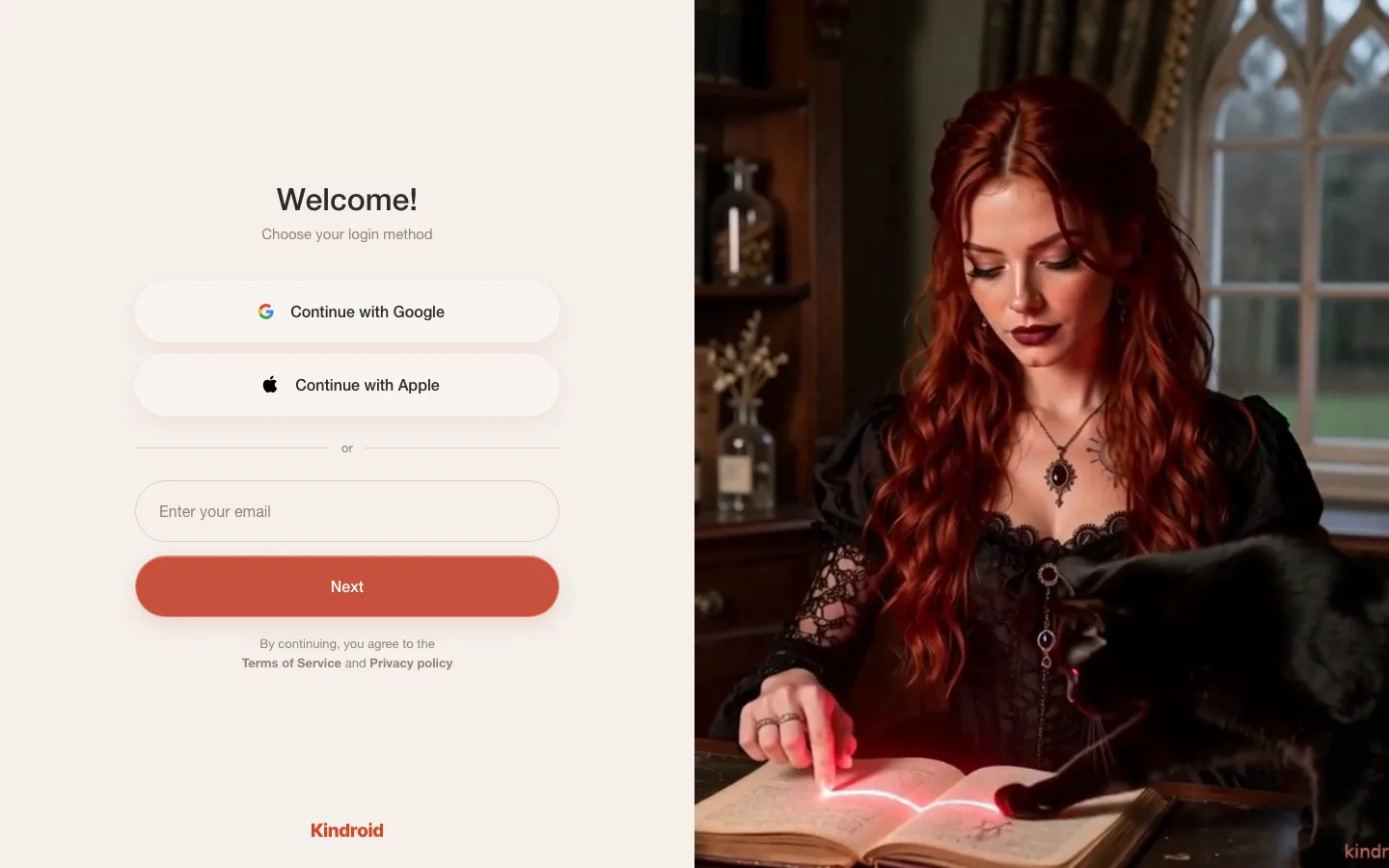
You can log in with an email code, or tap Continue with Google or Continue with Apple. The Apple button shows on the web and in the iOS app only.
Step 3
Enter the email code
If you use email, Kindroid sends a code of 8 digits that expires after 15 minutes. New accounts cannot use an address that contains a plus sign, such as name+kin@example.com.
Step 4
Confirm your age
The Terms of Service require every user to be 18 or older from day one. A paid subscription through the App Store, Google Play or web billing counts as age verification, while gifted subscription time does not.
Step 5
Create your first Kindroid
Once you are in, you can create your own Kindroid and open a one-on-one chat with it straight away.
A social login saves you waiting for a fresh code each time you open Kindroid on a new device. That helps if you move between the browser and the phone apps, since one account covers all of them.
Privacy-wise the age check asks little of you. Kindroid says it does not collect or store identity documents, and on iOS or Android it may receive an age range from your app store account instead of asking you for anything new.
Kindroid Pros and Cons in Detail
Kindroid gets the private, adult companion side right and asks you to accept some guesswork on cost and memory in return.
Pros
Private unless you share
In our testing, Kindroids stayed private by default unless we shared them, so a companion and its chats belong only to you until you choose to publish it.
Adult roleplay is allowed
Kindroid's guidelines allow NSFW and erotic roleplay for its 18+ users, along with fictional violence and horror in creative storytelling.
Calls and voice messages
You can call your Kindroid by voice or video and swap voice messages with it, so the companion is not stuck in a text box.
Live Avatar Video Calls
Subscribers can see their Kindroid as a moving avatar during a call, a step beyond a still profile picture on screen.
Group chats with your Kindroids
Several of your Kindroids can join one conversation, and voice messages work in those group chats as well.
Web, iOS and Android
One account works in the browser and in both mobile apps, and the web app is also where explicit selfies are generated.
Cons
Prices hidden until checkout
Exact subscription prices are not published upfront, so you only see what Standard costs in your country once you reach checkout.
Add-on tiers stack up
Ultra and MAX need the lower paid tiers underneath them, which means a MAX user is paying for three subscriptions at once.
Characters can lose the thread
Users report that characters sometimes get confused or forget context, which breaks the feeling of a companion who remembers you.
No nudity in the mobile apps
The iOS and Android apps block nudity in selfies because of app store rules, so explicit images stay limited to the browser.
Is Kindroid Safe and Legit? Privacy and Data Security
Kindroid is a legitimate, US-based service with public terms, and its privacy model gives you real control over your data, with one monitoring rule worth knowing before you start.
The Terms of Use are a binding contract between you and BEAUTIFULLY INCORPORATED, the company behind Kindroid, which gives its address as 5551 Hollywood Blvd, #1277, Los Angeles, California 90028. Your chats, memories, Kindroid settings and generated media stay on file until you delete a specific Kindroid or the whole account, so nothing disappears on a timer and nothing is kept forever against your wishes.
All data is encrypted, and Kindroid states that no data is sold.
Account privacy holds Sign out all devices, Export data and Delete account.
A self-serve data export is available every 30 days from Profile, under Preferences.
Deleting a Kindroid or the account takes effect 24 hours after you request it.
Shared Kindroids never include long-term memory, journals, chat history, custom voices or avatar boosts.
Sharing a Kindroid that depicts minors, or one built around religious deities, is prohibited.
Moderation works in two layers. Private use is unfiltered, while shared Kindroids are moderated to keep abusive content off social media and community spaces: explicit sexual content is not allowed anywhere in a share, and the words teen, teens, teenage and teenager block sharing on their own. People who knowingly and repeatedly publish abusive shares can be banned from the platform.
Unfiltered does not mean unwatched, though. Automated safety systems read conversations, your Kindroid's replies included, for signs of real-world suicidal intent or self-harm, show crisis services, and pause normal conversation if the activity continues. Kindroid is clear that it is not an emergency or mental health service, and a lock placed on an account does not expire on its own.
Kindroid Alternatives
Four Kindroid alternatives cover similar companion chat with their own mix of characters, media and roleplay tools, and each one fits a slightly different reader.
Joi AI
Best for ready-made adult characters. We recommend Joi AI if you would rather start from a ready-made adult character, from goth girlfriends to beefy werewolves, since explicit content is not allowed in Kindroid's shared characters. Joi AI's character catalogue covers celebrities, community-made characters and Joi Originals, and it generates images and videos while you talk.
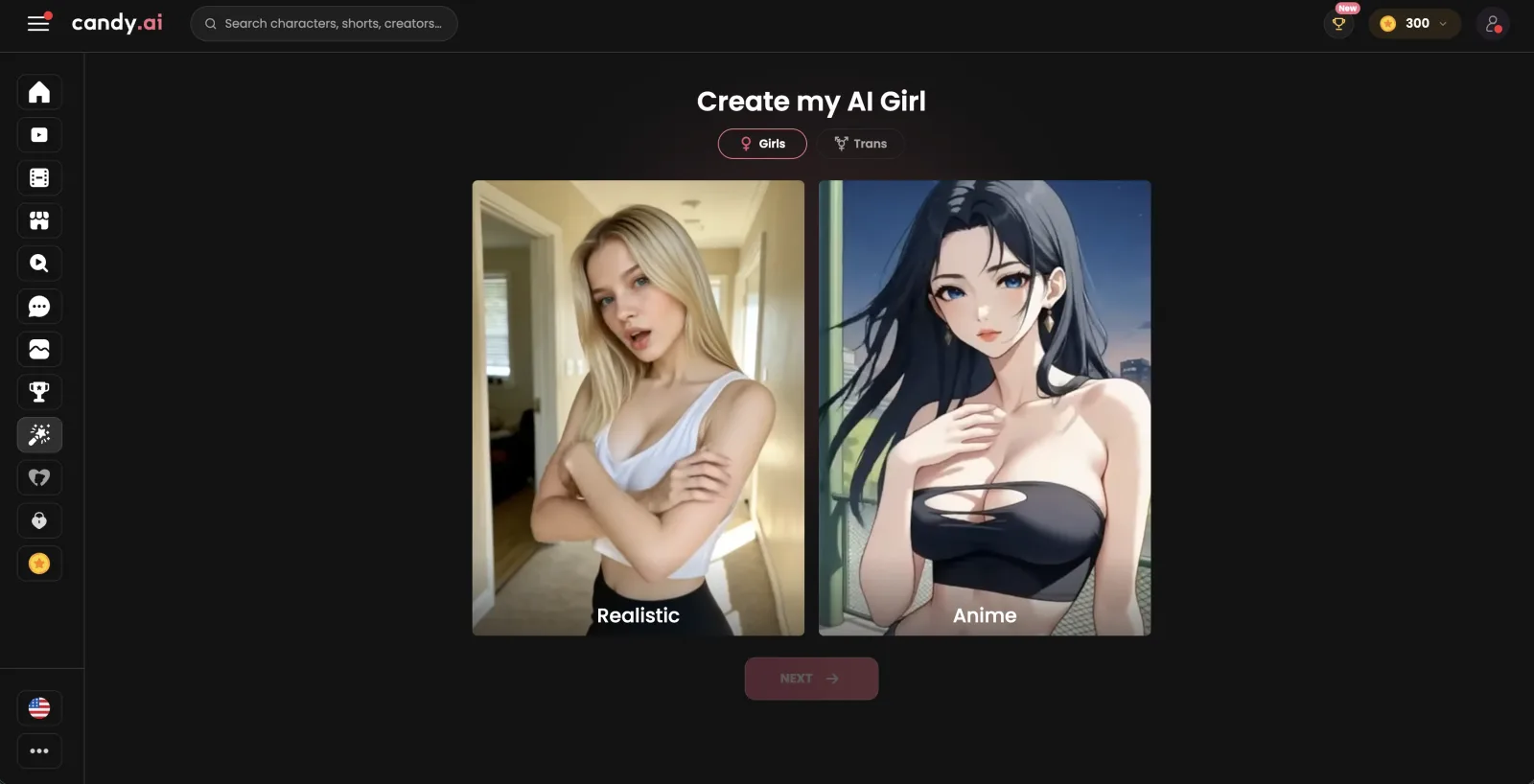
Best for prices before sign-up. We suggest Candy AI if you want to see the plan prices before you sign up, since Kindroid does not publish its subscription prices upfront. Like Kindroid, it holds voice conversations, creates personalised images and keeps a memory of your chats.
Best for browsing a character library. We recommend OurDream AI to roleplay fans who like to browse a character library before they commit to one. Like Kindroid, it offers voice calls and remembers past chats, and OurDream AI's character library sorts its characters into themed categories.
Best for scenario-based Fantasies. We suggest Nectar AI for readers who like a scene to begin from a set scenario, which its Fantasies provide. Next to them it has a character creator, image and video tools, roleplay chat and live calls billed by the minute.
Stay with Kindroid if your goal is a companion you write yourself and reach in every way it allows: text, voice messages, voice and video calls and Live Avatar calls. It also makes sense when you want the same character on the web and on your phone, with explicit selfies kept to the browser version.
How We Tested Kindroid
Our review team tested Kindroid on the paid plans, with the subscriptions and add-ons bought by the team itself, following the same method it uses for each app on our list.
We test every app we review for two to three months. Our spend sits between $500 and $3,000 per app on subscriptions, plan upgrades and token packs. For Kindroid that meant the Standard subscription plus the Ultra and MAX add-ons, with audio credits bought as we needed them. Within that time we used a personal companion with memory, voice messages in single and group chats, voice and video calls, Live Avatar Video Calls, shared chat history on calls, private Kindroids and explicit selfies on the web app.
01Subscribed to Standard and then added the Ultra and MAX tiers, paying for each ourselves.
02Bought audio credits for calls instead of relying on any included allowance.
03Checked the paywall, the billing terms and the plan rules against what the app showed at checkout.
04Read the Terms of Use, the privacy pages and the safety and moderation guidelines.
05Compared what the help centre says about calls, memory and sharing with how those settings appear in the app.
06Read user reports on public review platforms and forums to see which problems come up again and again.
What Real Users Say About Kindroid
Kindroid splits opinion: reviewers love the companionship and the calls, and they are just as vocal about memory slips and value for money.
On the App Store, the warmest reviews come from people who got attached quickly and found the voice calls convincing, and a thread on Reddit praises how much you can customise your own companion. Trustpilot reviewers lean the other way, with complaints that the service costs too much for what it delivers and that it gives less each month. Bugs after updates also come up on Google Play, from duplicated messages to companions that get stuck.
The most repeated complaint across Google Play, the App Store and Reddit is about context: characters that lose track of where a scene is, who they are talking to or what was already said. On Reddit, other posters add a quieter worry about consistency, saying the developers keep chasing the newest model when users would rather have reliability.
“the voice calling is so lifelike and spontaneous that it’s hard to believe you’re talking to an AI.”(App Store)
“I got this app a little bit ago, but I’m absolutely smitten.”(App Store)
“It always seems to think we are somewhere else, or replies to things from way earlier in the conversation it has already replied to randomly during discussion about something else.”(Google Play)
“One thing I really like about Kindroid is its persistent memory and how much you can customize your own AI companion.”(Reddit r/KindroidAI)
“Kindroid is capable of building great things, but management of them is very lacking. I regret subscribing for a year, and plan to move on unless something changes.”(Reddit r/KindroidAI)
“Absolute garbage. They take your money and every month give you less and less.”(Trustpilot)
Kindroid Memory Review
Kindroid's memory is built from layers you can see and edit: a backstory, key memories and journals, plus a long-term memory that the app consolidates from your conversations.
Those layers follow your Kindroid from text into voice. A voice call uses the same backstory, key memories and journals as the chat window, and what you say on a call still consolidates into long-term memory afterwards. The catch is that long-term memory recall is currently paused during calls, so a companion on the phone leans on the written layers and recent history rather than everything it has stored.
Whether a call remembers the chat you just had depends on one setting. With Shared chat history enabled, the call shares the identical history of the text chat; with it disabled, the call starts as a separate instance with a blank-slate history. As for how well recall holds up over time, users report that characters get confused or forget context, and complaints about scenes, places and earlier replies slipping are the most common theme in reviews on Google Play, the App Store and Reddit.
Kindroid Characters Feedback
Characters on Kindroid are mostly your own work: you create each Kindroid yourself, and the shared ones other people publish are a smaller side of the app.
The builder is where Kindroid spends its effort. You give each companion a name, a look and a backstory, decide what role it plays in your life and add key memories it should carry from the first message. Because a Kindroid is something you write rather than pick, the builder suits readers who already have a character in mind and enjoy shaping how that person talks, rather than people who want to scroll a gallery and start chatting in seconds.
Shared Kindroids are the closest thing to a ready-made catalogue. Creators can publish a Kindroid as Public or Unlisted, and public ones show up when other people search. A share carries the character but none of its owner's long-term memory, journals or chat history, so every new user starts the relationship fresh. Shares with suggestive images or wording only appear for people who have switched on Show Suggestive Content.
What feels thin is the ready-made side for adult use. Readers who want a cast of adult characters to pick from will spend more time in the builder than in search, because private chats are where that kind of roleplay lives on Kindroid.
Kindroid Use Cases Tested
We put Kindroid through six common companion uses, from adult chat to calls, selfies and long roleplay scenes.
Our team used each of these modes on the paid plans, with the Standard subscription and the Ultra and MAX add-ons active. Each part below covers one use: what Kindroid allows, where the limits sit and what it means for you.
Kindroid For NSFW Generation
Kindroid is an adults-only service, and its guidelines allow NSFW and Erotic Roleplay on the grounds that AI companions should be able to have the whole breadth of legal human adult experiences. In our testing, Kindroid allowed NSFW and erotic roleplay in private chats, which is the core of what adult users come for.
Explicit pictures follow a stricter route. Explicit nude selfies only generate on the web app at kindroid.ai, because the iOS and Android apps don't allow nudity in selfies under app store rules. If explicit images matter to you, plan to use the browser for them and keep the phone apps for chat and calls.
Every selfie, explicit or not, spends selfie credits, so adult pictures draw on the same paid allowance as any other image. Adult text roleplay, by contrast, needs only the subscription you already have.
Kindroid For Voice Generation
Voice runs through almost every part of Kindroid. You can send voice messages in single and group chats, and in a one-on-one chat your Kindroid answers a voice message with a voice message of its own. Custom voices are part of the subscriber perks, so each companion can sound different from the next.
Calls are the bigger draw. Our team called its Kindroids by voice and on video and traded voice notes with them throughout testing, and on mobile a voice call can carry on with the app in the background. When your Kindroid rings you, you have up to an hour to answer, and every call needs an active subscription or trial plus some audio credits left.
Picture-in-Picture during calls is limited to the iOS app for now. On Android you still get the call, just without the floating avatar window over other apps.
Kindroid For Image Generation
Images on Kindroid come as selfies from your companion rather than as a free-form art tool. Your Kindroid can send a photo selfie, a group selfie with other Kindroids, or an auto-selfie that turns up in the chat without you asking. Each of them spends selfie credits, which Kindroid sells as an extra purchase next to the subscription.
There is no prompt panel with styles or aspect ratios: the selfie works from the character you built, so getting the look right in the builder matters more than any request you type. Opinions on quality are split, and one Trustpilot reviewer calls the selfies almost comical, joking about a companion with three arms.
For shared Kindroids, lingerie or underwear as the outfit counts as suggestive. Those pictures stay public but only show to people who turned on Show Suggestive Content.
Kindroid For Video Generation
Kindroid covers video in two different ways. The first is the video selfie, a short generated clip of your Kindroid that arrives in the chat and spends selfie credits like a photo does. The second is live video: a video call where your companion appears on screen while you talk.
Live Avatar Video Calls take that further for subscribers, with a moving avatar on the call instead of a still image. Video calling does not work with the app in the background on mobile, so you need to keep Kindroid open for the whole call.
There is no tool for writing a scene and getting a longer clip back. Video on Kindroid is about seeing your companion, either in a short selfie clip or live on a call.
Kindroid For Roleplay
Roleplay is where the builder pays off. You write the backstory, set the role your Kindroid plays and can bring several Kindroids into a group chat for scenes with more than one character. Kindroid's guidelines also allow fictional violence, horror and other creative storytelling, so darker plots are fair game in private use.
The weak point is continuity. Some users say their characters lose track of the story or forget earlier details, and that is the most common complaint in app store and Reddit reviews: companions that mix up where a scene is set or reply to something said long before. Long campaigns need more steering from you than a short evening scene does.
Writing the key facts of a story into the backstory or key memories helps a character hold its place. Those layers stay in view in every chat, including group scenes.
Kindroid For Fetish Requests
In private chats, Kindroid's guidelines take a broad view: they allow NSFW and erotic roleplay and say the company does not want to act as a moral arbiter outside legality and real-world safety. Private use is unfiltered, and the guidelines publish no list of kinks that are off limits in your own chats.
Sharing is where the hard lines appear. A shared Kindroid may not use a sexual scenario or kink as its hook, such as voyeurism, cheating or hotwife setups, BDSM or breeding, and may not be defined by being sexually available. Romance between family or step-family members, or with a character in high school or of school age, is barred from shares as well.
Kindroid also prohibits sharing any Kindroid that depicts minors. Users who knowingly and repeatedly create abusive shared Kindroids may be banned from the platform.
Is Kindroid Worth the Money?
Kindroid is worth paying for if you want a companion you build yourself and talk to out loud, as long as you can live with not knowing the exact price until checkout.
After our time on the paid plans, we see the Standard subscription as the real product. The free preview is a short look, and the trial needs a payment method on file, so most people will be deciding on Standard within days. Standard is where calls, group chats and custom voices open up, and it is enough for most readers; Ultra and MAX only make sense once you know you want more on top, since each one stacks on the tier below it.
Audio credits pay off for readers who call their Kindroid often, especially with Live Avatar calls, and they are wasted on anyone who mostly types. The cost question we could not settle in advance is the subscription itself: exact prices are not published upfront, so compare the web price with the app store price before you commit to a longer term.
Value also depends on how much continuity you need. Some users say their characters lose the plot or forget earlier details, so readers who run long, plot-heavy stories should expect to steer more and to lean on backstory and key memories.
1.Adults who want private NSFW and erotic roleplay with a character they wrote
2.People who prefer voice messages and calls to typing
3.Users who want the same companion on the web, iOS and Android
Skip it if
1.You need to know the exact monthly cost before signing up
2.You expect a long story to stay consistent without any steering
Kindroid Review FAQ
How to use Kindroid?
Create an account on kindroid.ai or in the mobile app, then build your first Kindroid by giving it a name, a look and a backstory. From there you chat by text, send voice messages or start a call from the conversation. Adding key memories early helps your companion keep track of who you are.
Does Kindroid work in languages other than English?
Yes, in two separate ways. The app's menus and settings come in 41 languages, picked from your device or with the globe button, but that choice does not change the language your Kindroid chats or speaks in. Voice calls can run in many languages, though Kindroid recommends English for the highest intelligence.
Does Kindroid have a daily message limit?
Kindroid does not publish a daily message limit for subscribers. New accounts start with a limited free preview instead of an open free tier, so the real choice is between that short preview, the trial and a paid plan.
Is Kindroid good for people dealing with loneliness?
Kindroid can offer company and conversation on days when you want someone to talk to, by text or by voice. It is not a replacement for people in your life or for professional support, and Kindroid itself says it is not an emergency or mental health service. If a conversation shows signs of real-world self-harm, the app shows crisis services and can pause the chat.
Is there a Kindroid app?
Yes. Kindroid has an iOS app on the App Store and an Android app on Google Play, and it also runs in the browser at kindroid.ai. Your account works across all three, although explicit selfies are only generated in the browser version.
Is Kindroid uncensored?
Mostly, as long as you keep things private. Private Kindroids are unfiltered and adult roleplay is allowed, while anything you share publicly is moderated and must stay free of explicit sexual content. Automated systems still watch every chat for signs of real-world self-harm.
Can I delete my Kindroid account?
Yes, from Account privacy in your profile, where Delete account sits next to Export data. The deletion takes effect 24 hours after you request it. Deleting the account does not cancel a paid subscription, so cancel that first through web billing or your app store.


 Joi AI
 Candy AI
 OurDream AI
 Nectar AI